
Quick Start Guide for First Use
Install Advanced Configuration Tool
- Download ACT
Visit the HMS ACT page and download the latest version. - Install the software
Run the installer and follow the setup instructions. Requires Windows 10 or 11. - Connect your device
Connect the CANnector, FRC‑EP, or Mobilizer device via USB or Ethernet. - Launch ACT and open IxAdmin
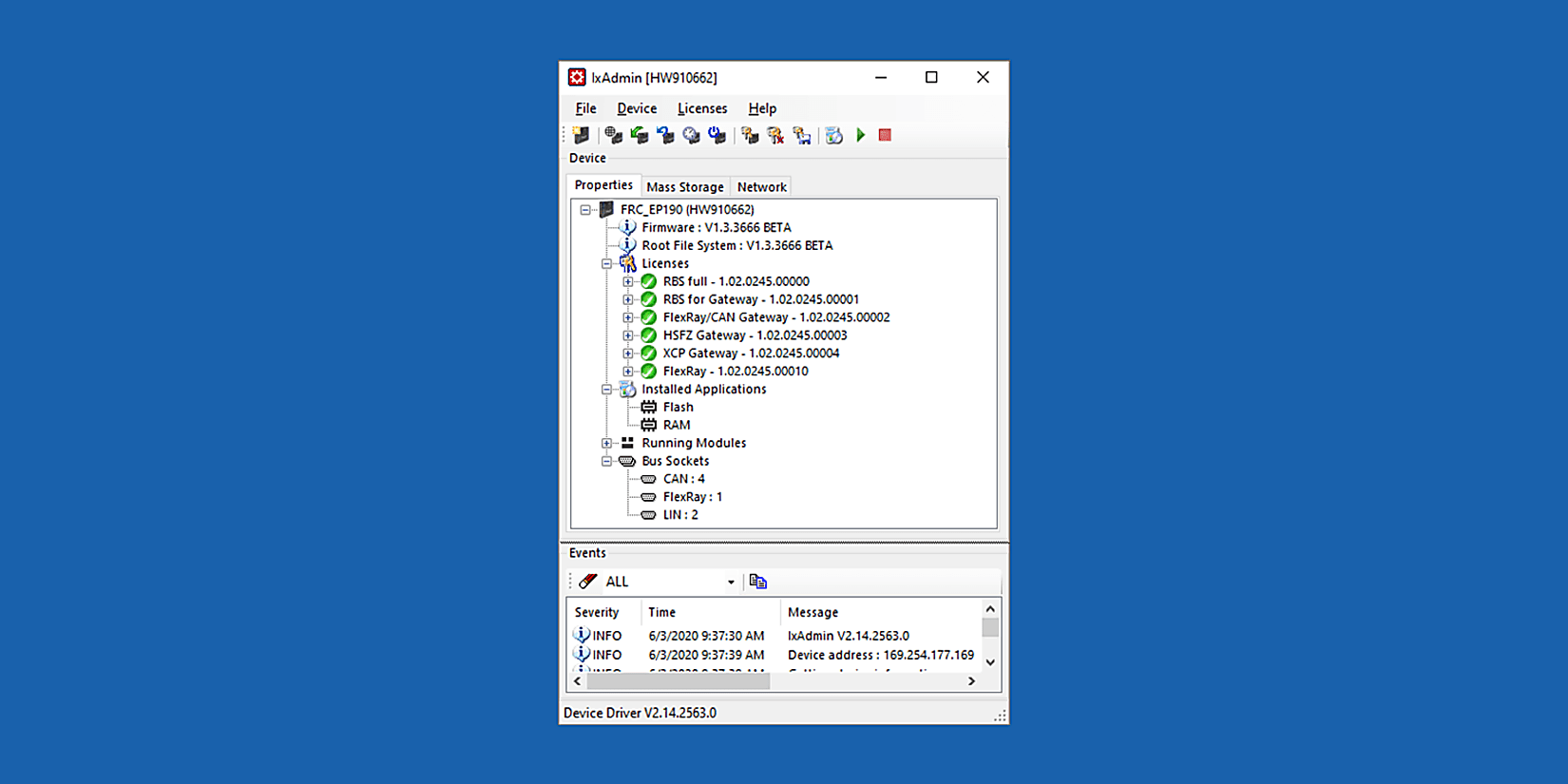
Start ACT. The built-in IxAdmin will launch to handle firmware updates, network settings, and initial configurations. - Create a new configuration
Use the drag‑and‑drop interface to add signals, networks, and logic flows. - Simulate or test your configuration
Use the restbus simulation or online testing tools to validate the setup before deploying. - Upload to the device
Transfer the configuration to the hardware and verify functionality. - Visualize and monitor
Use the built-in HTML5 server to view real-time data and logs in your browser.